To enable developer mode on Android:
- Go to Settings > About Phone > Build Number
- Tap on the Build Number 7 times. You will get the message “You are now a developer!”
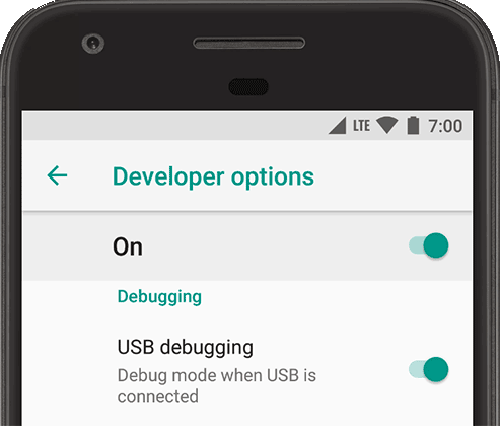
- Go back to Settings. Look for Developer Options. Turn it on and also turn on USB Debugging.
Now that you’re done, if you’re using Visual Studio, simply plug your Android in. You phone will now be available as a debug option.